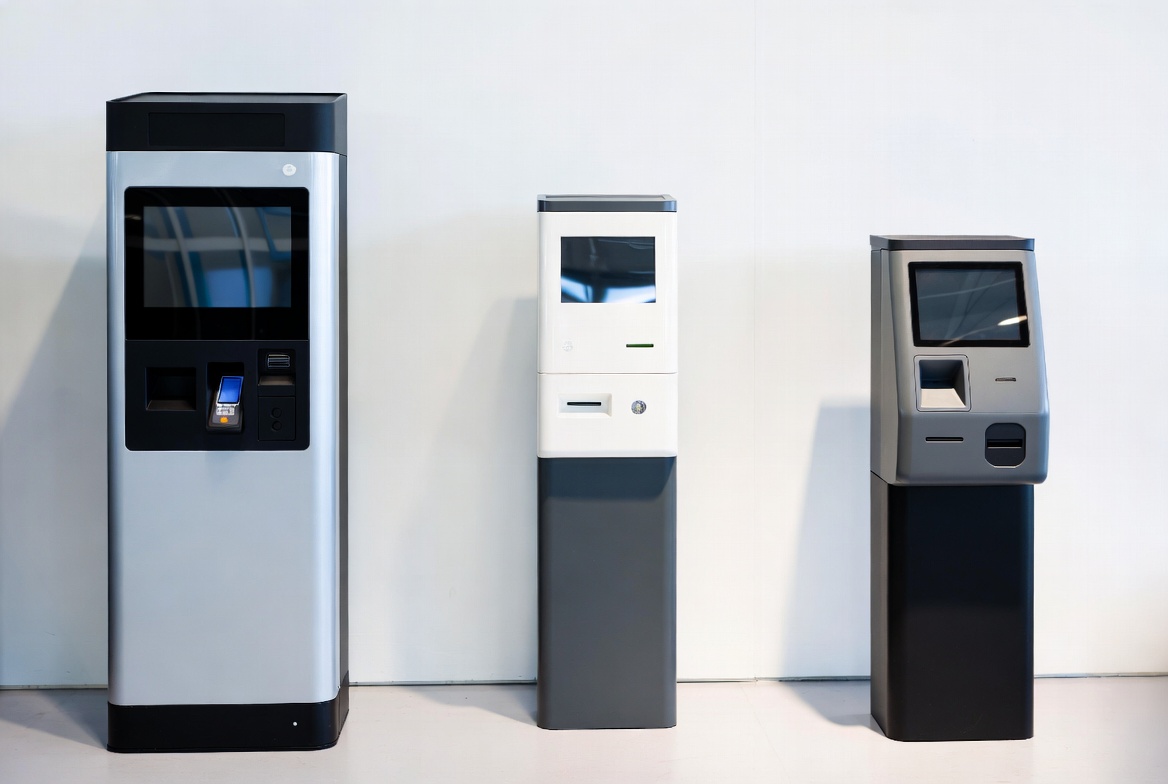
Pay stations are the revenue engine of any commercial parking operation. They’re also one of the largest capital expenditures a parking operator will make. Choosing the right pay station affects everything from revenue collection efficiency to customer satisfaction to long-term maintenance costs.
This guide covers what parking operators and facility managers need to know when evaluating pay station options.
Pay Station Types
Pay-on-Foot
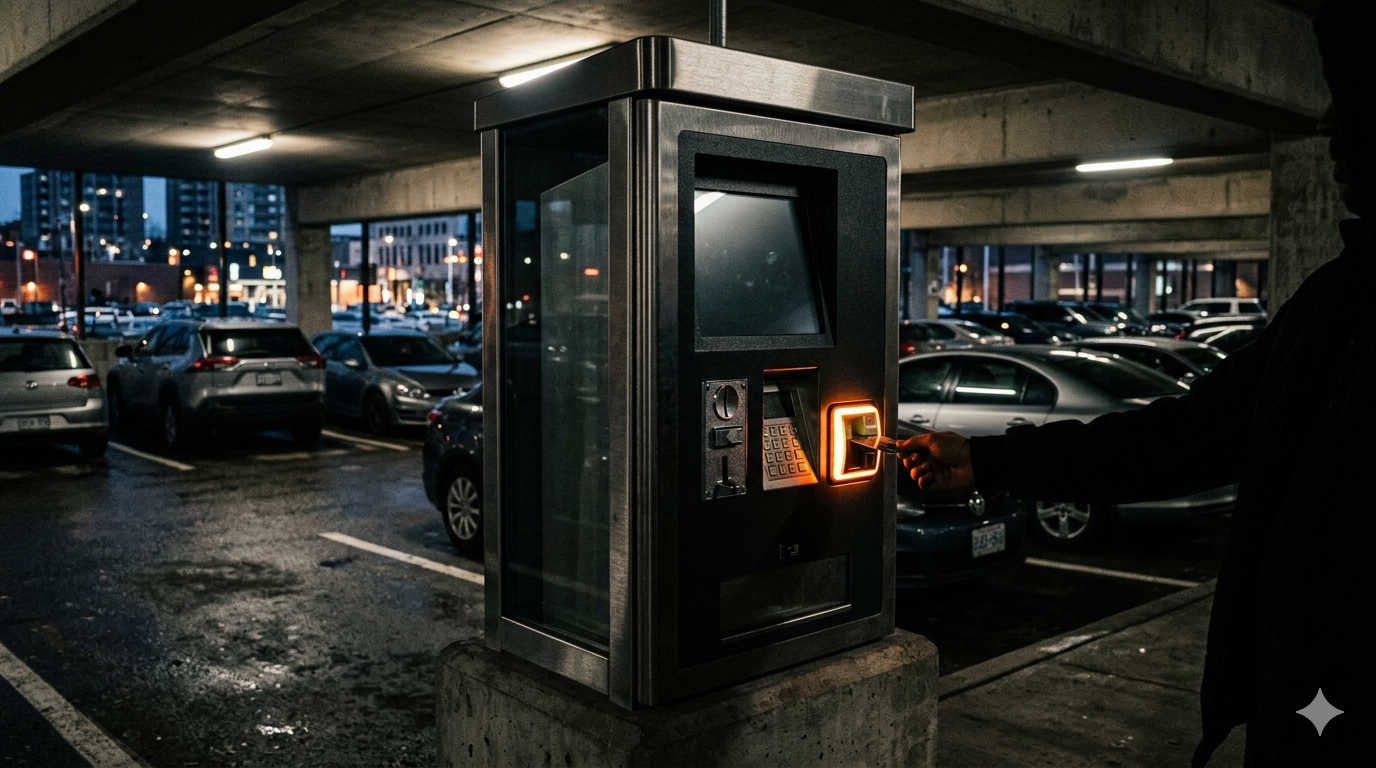
Pay-on-foot stations are placed inside the parking facility — typically near elevator lobbies, stairwells, or pedestrian exits. Customers pay before returning to their vehicle, then exit through an automated lane.
Best for:
- Parking garages with controlled entry/exit
- High-volume facilities where exit lane speed matters
- Operations wanting to eliminate payment processing at the exit
Advantages:
- Faster exit times (driver has already paid)
- Reduced exit lane queuing
- Can accept cash (coins and bills)
- Multiple stations can serve the same facility
Disadvantages:
- Requires controlled entry (ticket or credential)
- Higher per-unit cost than pay-and-display
- Needs indoor or sheltered placement
Pay-and-Display
Pay-and-display stations are placed at the curb or lot perimeter. Customers pay and place a receipt on their dashboard for enforcement verification.
Best for:
- Surface lots without gates or barriers
- On-street parking
- Short-term parking with high turnover
Advantages:
- Lower cost per unit
- No barrier gates needed
- Simpler installation
- Works for on-street and off-street
Disadvantages:
- Requires enforcement (checking dashboards)
- Customers must estimate their parking duration upfront
- Weather exposure to receipts
- No revenue guarantee (some drivers don’t pay)
Multi-Space Meters
Multi-space meters serve multiple parking spaces from a single station. They can operate in pay-and-display mode or pay-by-space mode (where the customer enters their space number).
Best for:
- Municipal on-street parking
- Surface lots with numbered spaces
- Operations wanting to eliminate single-space meters
Advantages:
- One unit serves 8-15+ spaces
- Pay-by-space mode eliminates the need for dashboard receipts
- Lower per-space cost than individual meters
- Consolidated maintenance (one unit vs. many meters)
Disadvantages:
- Customers may need to walk to the station from their space
- Pay-by-space requires visible space numbering
- Single point of failure for multiple spaces
Key Features to Evaluate
Payment Acceptance
| Payment Method | Why It Matters |
|---|---|
| Credit/debit cards (EMV chip) | Standard expectation — ensure EMV chip capability for the upcoming liability shift |
| Magnetic stripe | Still required for cards not yet upgraded to chip |
| Cash (coins + bills) | Still necessary in many markets; requires cash handling logistics |
| Validation | Integration with tenant or merchant validation programs |
| The trend is clearly toward EMV chip card payment, but many facilities — especially those serving diverse populations — still need cash acceptance. Modern pay stations from established manufacturers typically support all payment methods in a single unit. |
Display and User Interface
The customer-facing display directly affects usability:
- Screen size — Minimum 7" for readability; 10"+ preferred
- Touchscreen vs. buttons — Touchscreens offer more flexibility but can be problematic in cold weather with gloves
- Brightness — Must be readable in direct sunlight and at night
- Multilingual support — Critical in diverse markets; should be configurable
- ADA compliance — Display height, contrast ratios, audio assistance for visually impaired users
Environmental Specifications
Pay stations spend their entire life outdoors. Key specifications:
| Specification | Minimum | Preferred |
|---|---|---|
| Operating temp range | -20°C to +50°C | -30°C to +60°C |
| Enclosure rating | NEMA 3R | NEMA 4 |
| Vandal resistance | Standard housing | Reinforced steel, anti-pry |
| Display protection | Tempered glass | Anti-glare tempered glass |
| UV resistance | Standard | Extended UV-stable materials |
Network Connectivity
Modern pay stations need reliable network connectivity for:
- Real-time credit card authorization
- Remote monitoring and management
- Software updates
- Transaction reporting
- Rate table updates
Connection options include hardwired Ethernet, cellular (4G/LTE), and Wi-Fi. Cellular connectivity is often preferred for surface lots where running cable is impractical, but it introduces an ongoing data cost.
Reporting and Management
Back-office software should provide:
- Real-time transaction data
- Revenue reporting by station, location, and time period
- Occupancy analytics (for pay-by-space systems)
- Alarm and fault notifications
- Remote rate and configuration changes
- Cash collection scheduling optimization
Physical Dimensions and Mounting
Consider:
- Height — ADA requires operable parts no higher than 48" (forward reach) or 54" (side reach)
- Footprint — Smaller is better for sidewalk and island installations
- Mounting — Pedestal, wall-mount, or bollard-style
- Weight — Important for rooftop installations where structural load matters
- Solar option — Some stations offer solar-powered operation, eliminating the need for electrical service
Total Cost of Ownership
The purchase price is just the beginning. Calculate total cost over a 7-10 year lifecycle:
| Cost Category | Typical Range (per unit) |
|---|---|
| Purchase price | $8,000 - $50,000 |
| Installation | $1,500 - $5,000 |
| Annual maintenance | $500 - $2,000 |
| Network/cellular service | $200 - $600/year |
| Payment processing fees | 2-4% of card transactions |
| Cash collection labor | $50 - $200/month |
| Software licensing | $0 - $1,200/year |
| Parts and consumables | $200 - $800/year |
Over 10 years, a $15,000 pay station may actually cost $35,000-$50,000 when all operating costs are included. A more expensive unit with lower maintenance requirements and better reliability may cost less over the full lifecycle.
Procurement Process
1. Define Requirements
Before contacting vendors, document:
- Number of spaces to be served
- Expected transaction volume
- Required payment methods
- Environmental conditions
- Network infrastructure availability
- Integration requirements (gates, access control, management software)
- ADA and local code requirements
2. Evaluate Manufacturers
Look for manufacturers with:
- Proven installations in similar facility types
- Full EMV and PCI certification
- Comprehensive warranty and service coverage
- Responsive technical support
- Regular software update cadence
- Financial stability (will they exist in 10 years?)
3. Request Demonstrations
Never buy a pay station without seeing it operate. Request:
- Live demonstration of the customer transaction flow
- Back-office software demonstration
- Reference site visits to existing installations
- Trial period if possible
4. Negotiate Service Agreements
The service agreement is as important as the equipment purchase:
- Response time guarantees
- Preventive maintenance schedule
- Software update inclusion
- Parts availability commitments
- Escalation procedures
Key Takeaways
- Choose between pay-on-foot, pay-and-display, and multi-space based on your facility type and operating model
- EMV chip card capability is now essential — don’t buy equipment without it
- Environmental specifications matter enormously for equipment that lives outdoors 24/7
- Calculate total cost of ownership over 7-10 years, not just purchase price
- Manufacturer stability, support infrastructure, and certification portfolio matter as much as features
- Always see a live demonstration and visit reference installations before purchasing
For additional operator guidance on pay station selection, the Parking BOXX blog covers pay station buying considerations, contactless payment deployment, and EMV compliance from a manufacturer’s perspective.