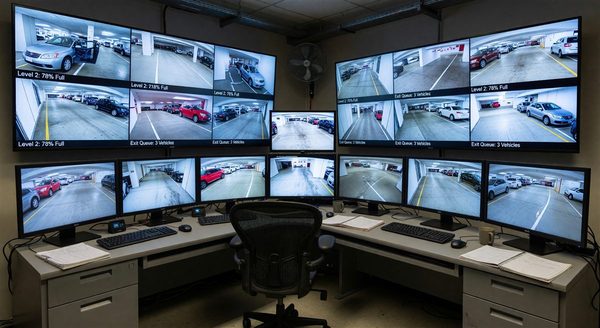
Modern parking operations generate more operational data than most operators analyze. PARCS systems log every transaction, entry, exit, and payment event. LPR systems record every plate read. Parking guidance sensors record occupancy by space and minute. Payment terminals capture payment method, transaction time, and fee data. The challenge for parking operators is not data collection — it is converting raw operational data into actionable business intelligence.
Types of Data Parking Operations Generate
Understanding what data is available is the prerequisite for analytics. A fully instrumented parking operation generates:
Transaction data: Every parking session creates a record including entry time, exit time, duration, payment amount, payment method (cash, credit, app, validation), and revenue category. Transaction data supports revenue reporting, duration distribution analysis, payment mix tracking, and customer behavior analysis.
Occupancy data: Entry/exit counts and per-space sensor data produce time-stamped occupancy records. Occupancy analytics support peak demand identification, utilization rate calculation, comparison to prior periods, and revenue per available space-hour (REVPASH) metrics.
Equipment performance data: PARCS systems log equipment events — gate activations, sensor reads, error codes, and maintenance alerts. Equipment performance analytics identify failure patterns, predict maintenance needs, and support uptime reporting.
Customer data: Monthly parker accounts, reservation records, and loyalty program data contain customer-level information including frequency of visits, duration patterns, payment history, and churn indicators.
Revenue data: Fee collections by type (hourly, daily, monthly, validation, event) support revenue mix analysis, rate strategy evaluation, and budget vs. actual tracking.
Key Parking Analytics Use Cases
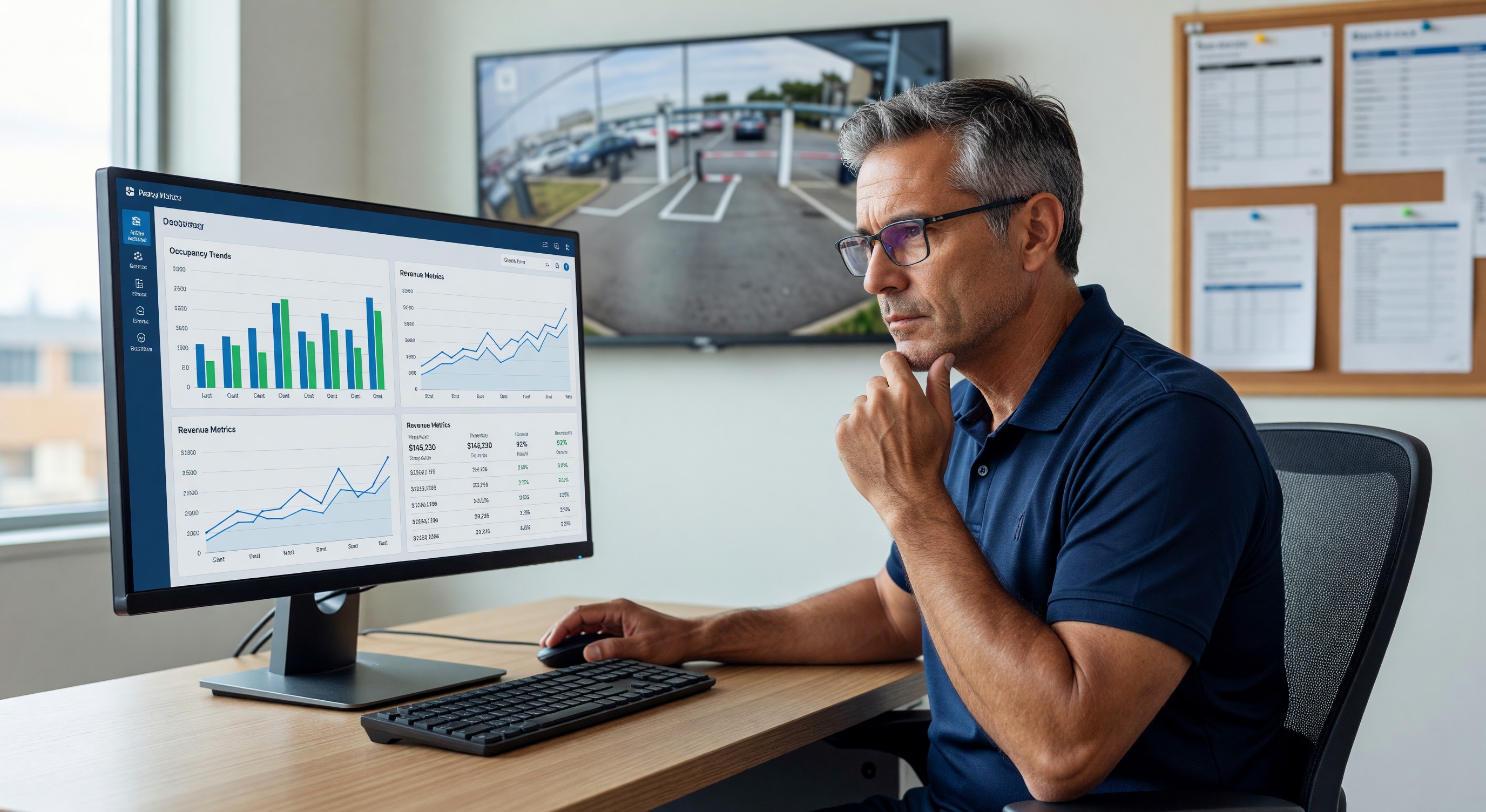
Occupancy and demand analysis: When does the facility reach peak occupancy? Which days, hours, and months drive the highest demand? What is the average occupancy by hour of day? Occupancy analytics are the foundation for rate strategy — facilities that cannot answer these questions precisely are setting rates without the data needed to optimize them.
Revenue optimization: Effective yield management requires understanding the relationship between rate, occupancy, and total revenue. Analytics can reveal whether a rate increase would improve total revenue (if occupancy remains high) or reduce it (if demand is rate-sensitive enough to reduce occupancy significantly). Revenue per available space-hour (REVPASH) is a more informative metric than total revenue alone, because it accounts for utilization.
Duration analysis: Duration distribution shows how long typical parkers stay. Facilities with many short-stay parkers benefit from tiered rate structures that maximize revenue from high-turnover spaces. Facilities with primarily all-day parkers have different optimization levers. Duration data also informs minimum fee structure design.
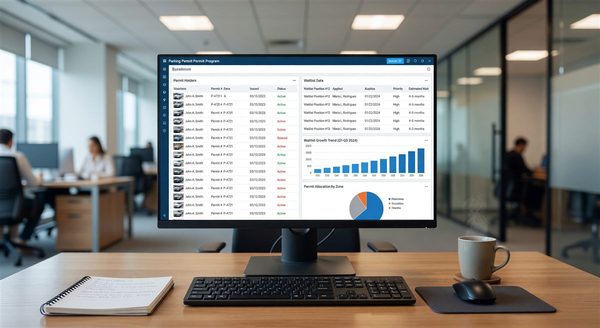
Monthly parker analytics: Churn analysis (which accounts are canceling, at what rate, after what duration) identifies retention risks. Waitlist conversion rates indicate unmet demand. Revenue per account over time reveals whether the monthly parker base is growing or declining relative to transient revenue.
Enforcement analytics: Citation frequency by zone, time of day, and violation type identifies enforcement resource allocation opportunities. Revenue from enforcement (net of appeal reversals) should be tracked as a facility revenue category.
Analytics Platform Options
Native PARCS reporting: Most PARCS platforms include built-in reporting — transaction summaries, revenue by category, occupancy trends, and equipment event logs. Native reporting is the starting point but typically lacks advanced analytics capability: cross-facility benchmarking, trend forecasting, custom KPI construction, and data visualization.
Business intelligence tools connected to PARCS: BI platforms (Tableau, Microsoft Power BI, Google Looker Studio) can connect to PARCS databases via API or scheduled data exports to create custom dashboards and analyses beyond native reporting. This approach requires technical setup but provides analytical flexibility. Power BI and Looker Studio are significantly lower cost than Tableau for operators building in-house analytics capability.
Parking-specific analytics platforms: Several vendors offer analytics platforms purpose-built for parking operations — pre-built dashboards, multi-facility aggregation, benchmarking against industry standards, and anomaly detection. These platforms simplify analytics deployment but add subscription cost and reduce analytical flexibility compared to general-purpose BI tools.
Management company analytics: Operators within large parking management company portfolios may have access to proprietary analytics platforms that include portfolio-wide benchmarking unavailable to independent operators. This is a meaningful advantage for managed facilities in data-mature management company networks.
Essential KPIs for a Parking Analytics Dashboard
A parking analytics dashboard should surface these metrics without requiring report navigation:
- Today’s revenue vs. plan and vs. same day prior year
- Current occupancy % vs. benchmark
- Monthly parker count vs. target
- Equipment uptime % (gates operational, pay stations operational)
- Average transaction value (total revenue ÷ transaction count)
- Revenue per available space-hour (REVPASH)
- Payment mix (cash %, card %, app %, validation %)
- Churn rate (monthly parker account cancellations / total accounts)
Each metric should be displayed with the appropriate comparison context (vs. prior period, vs. budget, vs. benchmark) to make the number meaningful rather than just informational.
Data Quality Considerations
Analytics are only as reliable as the underlying data:
Transaction record completeness: PARCS systems that experience equipment failures may have gaps in transaction records during downtime periods. Revenue reconciliation should identify and flag periods with anomalously low transaction counts.
Occupancy count drift: Entry/exit count systems accumulate errors over time as anti-passback exceptions, tailgating, and equipment glitches introduce count discrepancies. Periodic manual occupancy audits (walking the facility and counting vehicles) should be compared against PARCS count data to validate accuracy.
Revenue category classification: Validations, discounts, and comps must be consistently classified in PARCS to enable meaningful revenue mix analysis. Inconsistent classification (sometimes recording hotel validations as discounts, sometimes as comps) degrades the accuracy of revenue category reporting.
Frequently Asked Questions
What analytics capabilities should operators require in a new PARCS platform? At minimum: transaction-level data export in standard formats (CSV, JSON), documented API for data retrieval, revenue reporting by category with date range filters, occupancy trend reporting, and equipment event logging. More advanced requirements (forecasting, cross-facility aggregation, custom KPI building) are better addressed through BI platform integration than PARCS native reporting.
How can small parking operations access analytics without enterprise software budgets? Google Looker Studio (free) or Microsoft Power BI Desktop (free tier) connected to PARCS data exports via CSV or API provide capable analytics at minimal cost. The setup requires technical skill or a one-time consultant engagement, but the ongoing operational cost is minimal compared to purpose-built analytics subscriptions.
What is REVPASH and why is it more useful than revenue per space? Revenue per available space-hour (REVPASH) measures revenue relative to the facility’s capacity and operating hours, accounting for occupancy. A facility earning $50 per available space per day at 70% occupancy has a very different performance profile than one earning $50 at 95% occupancy. REVPASH makes this distinction visible; revenue per space does not.
How frequently should parking analytics be reviewed? Daily review of revenue and occupancy vs. plan (5-minute scan), weekly review of trend metrics (30-minute analysis), monthly review of KPI dashboard against benchmarks and prior year (1-2 hour analysis), and quarterly deep-dive on rate strategy, monthly parker base health, and operational efficiency. The daily and weekly reviews should be automated as dashboard views; the monthly and quarterly reviews require analytical attention.
Takeaway
Parking data analytics converts PARCS, LPR, and sensor data from operational logs into business intelligence that drives pricing, staffing, maintenance, and strategic decisions. The barrier to analytics is rarely data availability — modern parking systems generate extensive data. The barrier is typically analytical infrastructure: tools to aggregate, visualize, and interpret the data. Operators who invest in analytics capability (whether through native PARCS tools, BI platforms, or purpose-built parking analytics) make better-informed decisions than those managing by exception report and intuition. The first step is defining the KPIs that matter for the specific operation; the second is building the data pipeline and visualization to surface those KPIs daily.
Further Reading from Authoritative Sources
- IPMI parking benchmarking data for analytics comparison and KPI context — IPMI’s benchmarking program is the primary source of industry-comparative KPI data that gives individual facility analytics meaningful context — without benchmark comparison, even accurate analytics produce numbers without interpretive value.
- US DOT transportation performance management framework applicable to parking analytics — The US DOT’s transportation performance management framework provides federal-level guidance on performance measurement methodology that informs the KPI framework and data-driven decision-making approach described in this parking analytics article.