PARCS equipment failures are among the highest-urgency operational events in a parking facility. A failed entry gate stops incoming revenue and creates a queue that backs into public streets within minutes at a busy facility. A failed exit gate traps parked vehicles and creates customer service crises. Having documented procedures for common failure modes, clear bypass protocols, and defined vendor escalation paths converts a potential crisis into a managed operational event.
Failure Mode Classification
Not all equipment failures have the same urgency or operational impact. Classifying failures by impact level determines the response priority:
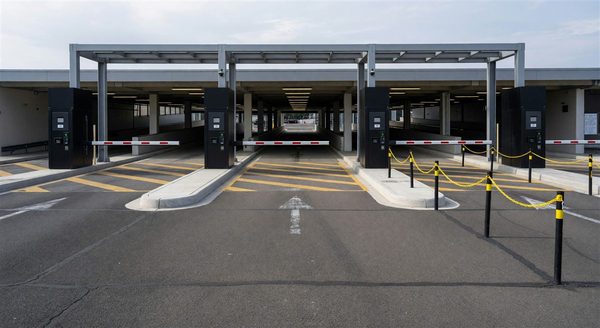
Critical failures: Entry or exit gate stuck in the down (closed) position, preventing vehicle ingress or egress. Pay station completely non-functional in a cashierless facility. These failures directly stop facility operation and require immediate response (target: 15 to 30 minutes to resolution or bypass).
High-impact failures: Single entry or exit lane out of service in a multi-lane facility. Pay station touchscreen non-functional (card tap/mag stripe may still work). These failures degrade capacity but don’t stop operations. Target response: 30 to 60 minutes.
Low-impact failures: Intercom malfunction at attended lane. Ticket dispenser paper jam. Variable message sign display failure. These failures are inconvenient but don’t stop transactions. Target response: 2 to 4 hours.
Common Failure Mode Troubleshooting
Gate arm stuck in down position:
- Check for physical obstruction under or touching the gate arm — vehicles, debris, ice/snow
- Check the gate controller power (breaker at the equipment panel; LED indicators on the controller board)
- Check the inductive loop detector — if the loop triggers an “occupied” signal (vehicle present), the gate won’t open. Look for debris, ice, or a failed loop detector signal
- Check the communication link between the entry terminal and gate controller (LAN cable, signal indicator on controller)
- If no resolution: manually raise the gate arm per the manufacturer’s manual override procedure; call the service vendor
Gate arm stuck in up position:
- Check the gate controller for error codes (blinking LED sequence, controller display)
- Verify the loop detector clears after a vehicle passes (some controllers have an “exit loop occupied” fault that holds the gate open)
- Check for power supply issues (voltage measurement at controller input)
- If no resolution: the gate is in a fail-open state; this is safer than fail-closed for egress. Station an attendant at the gate to collect payment manually if possible; call the service vendor immediately for repair
Pay station non-functional:
- Check power supply (breaker, power indicator on the unit)
- Check for paper jam at receipt printer (most pay stations have an access door for printer inspection)
- Check for bill acceptor jam (remove and clear the bill path if accessible)
- Check the network connection (signal indicator on the unit or network port)
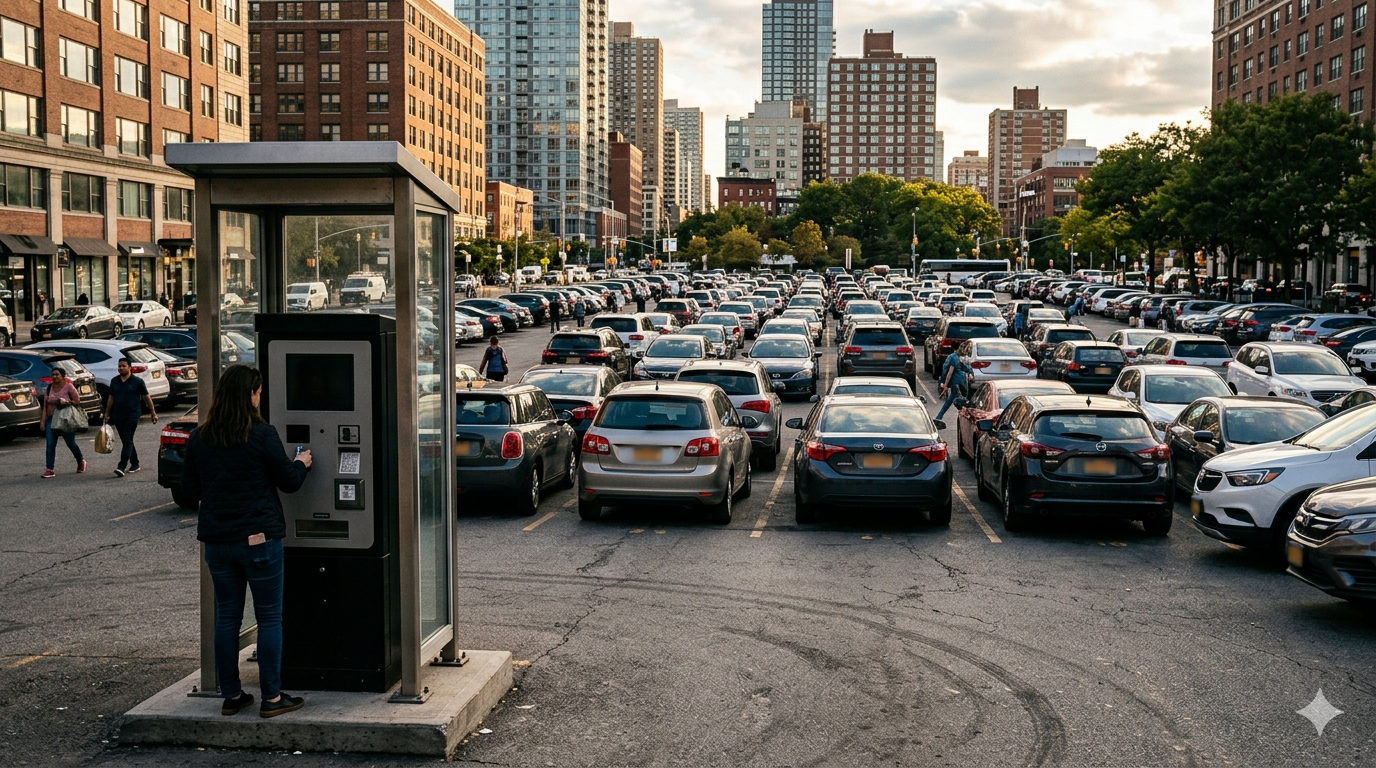
- If no resolution: activate standby payment mode if available (some systems allow alternate payment paths); post “Out of Order” sign with instructions; call vendor
Bypass Protocols
When equipment cannot be restored within the critical response window, bypass operations allow the facility to continue functioning while repair is arranged:
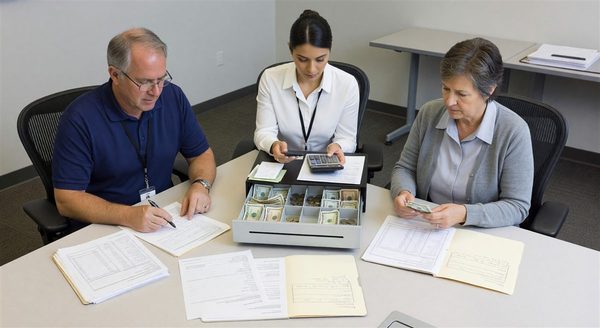
Manual gate operation: Most PARCS gate controllers have a manual override mode that holds the gate in the up position. Enable manual override, station an attendant at the manual gate position, and collect payment (cash or card) through an alternate method. Document all manual transactions for revenue reconciliation.
Gate bypass via intercom/remote: Many facility management systems allow remote gate release from a central console or the facility manager’s computer. If no local staff is present, remote release while the customer waits (with intercom communication) allows egress without physical gate repair.
Free parking/fee waiver for duration of failure: In cases where the failure is extended or bypass staffing is not available, fee waiver for the affected period may be the operationally correct decision. Lost revenue from a few hours of free parking is less costly than the staff hours, customer complaints, and potential safety issues from vehicles unable to exit.
Vendor Escalation Protocol
Every parking facility should have a vendor escalation protocol that defines:
Emergency contact: The 24/7 service dispatch number for the PARCS vendor. Most major PARCS vendors (Passport, SKIDATA, Scheidt & Bachmann, IPS, FlexParc, T2 Systems) provide 24-hour service dispatch for equipment failures. This number should be prominently posted at the equipment and in the facility management system.
On-call technician: Many regions have on-call field technicians through the PARCS vendor for emergency dispatch. Confirm the vendor’s response time commitment in the maintenance contract: “4-hour on-site response for critical failures” versus “next business day” are very different SLAs.
Remote diagnostics: Many modern PARCS systems support remote diagnostic access by the vendor’s technical support team. Remote diagnostics can often resolve software or configuration issues without an on-site visit. Provide the vendor’s support team with remote access credentials (documented in the service agreement).
Customer Communication During Failures
Clear customer communication during equipment failures reduces frustration and complaint volume:
- Post a visible “Equipment Out of Order” sign at the affected entry/exit lane immediately, with instructions (use alternate lane, call the intercom number, or wait for attendant assistance)
- Activate any variable message signs at the facility entrance to direct customers to operational lanes or explain the situation
- If delays are extended, have a staff member physically direct traffic at the affected lane — visible human presence reduces frustration significantly more than signage alone
- If the failure causes fee waiver, proactively communicate this to waiting customers rather than having them discover it at exit
Frequently Asked Questions
What should be done if a parking gate arm is stuck in the down position? Check for physical obstructions, power supply to the controller, loop detector status, and network communication between the terminal and controller. If not resolvable within 15 to 30 minutes, activate manual gate override (gate held open) and call the vendor’s emergency service line. Station an attendant at the manual gate position to collect payment.
What is a fail-open vs. fail-closed gate configuration? Fail-open means the gate defaults to the open position during power failure or malfunction. Fail-closed means it defaults to the down (blocking) position. Exit gates should always be configured fail-open (never trap customers in the facility); entry gates can be either configuration depending on the security model.
How long should a parking operator wait before calling a vendor for equipment repair? For critical failures (gate stopped, facility unable to operate), call the vendor immediately after the initial troubleshooting checklist has been completed without resolution — typically within 15 to 30 minutes. For high-impact failures, call within 30 to 60 minutes. Waiting longer than this before escalating extends the operational impact beyond what the troubleshooting manual is designed to address.
Should customers receive free parking when PARCS equipment fails? When failure duration is short and bypass operations are in place, customers can be served through manual payment. When failure is extended and no payment collection is practical, fee waiver for the affected period is often the most defensible decision — the cost of manual payment collection and customer service complaints may exceed the fee revenue foregone.
Takeaway
Parking gate and equipment malfunctions are not a question of if but when — every PARCS system will experience failures. The difference between a managed disruption and an operational crisis is preparation: documented troubleshooting procedures, tested bypass protocols, a vendor escalation plan with confirmed emergency contact numbers, and staff who know what to do when equipment fails at 7 p.m. on a Friday. Facilities that practice bypass procedures, document failure mode response steps, and review vendor service contract terms annually are prepared for equipment failures in a way that minimizes both operational impact and customer frustration.
Further Reading from Authoritative Sources
- IPMI parking operations and equipment maintenance standards — The International Parking and Mobility Institute publishes operational guidance for parking equipment management including failure response procedures that are directly relevant to the article’s subject.
- Transportation Research Board parking facility operations and maintenance research — The Transportation Research Board publishes research on parking facility operations that provides evidence-based context for equipment reliability standards and maintenance procedures discussed in the article.